

Setup guide
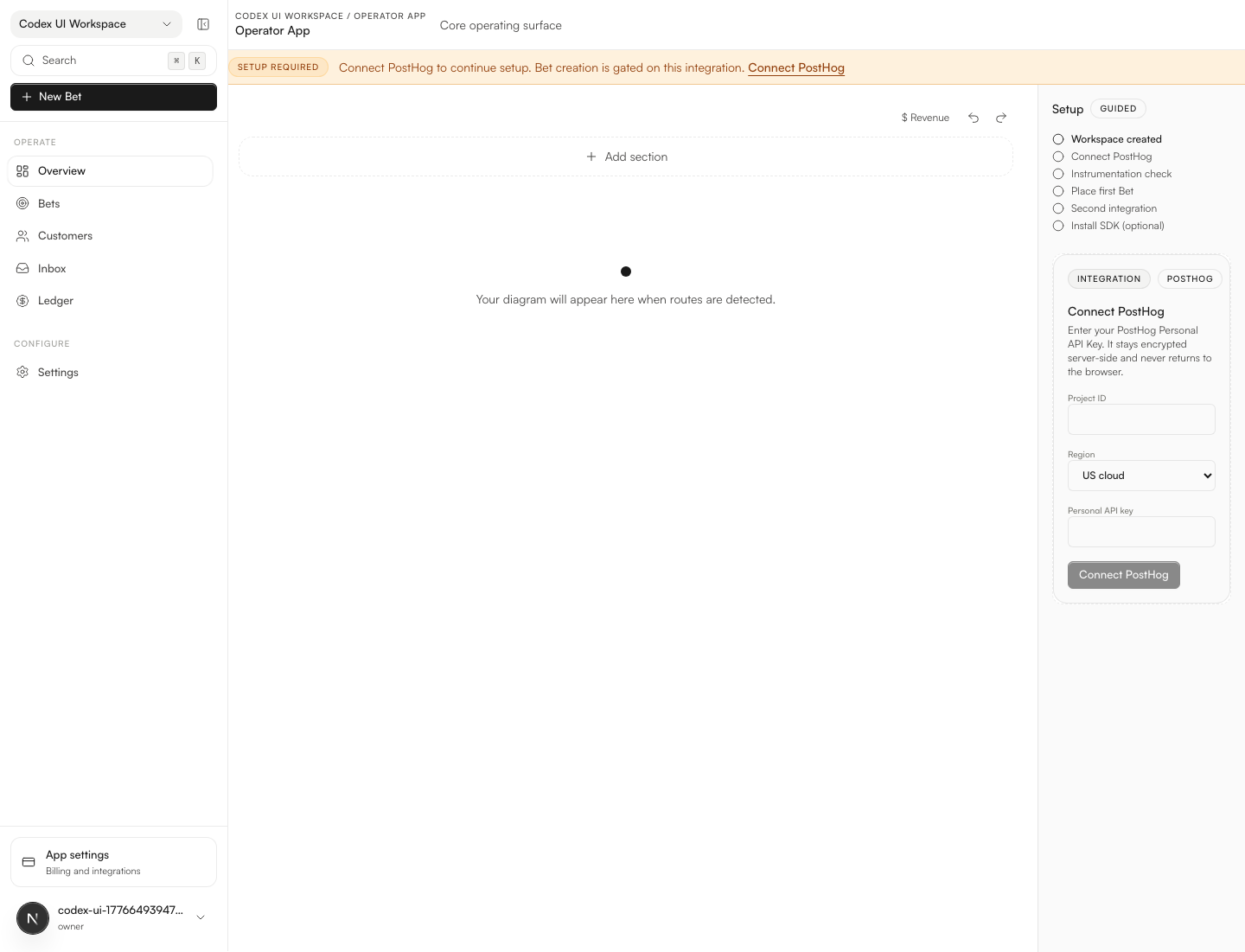
TrueClara is easiest to understand as one loop: connect a real workspace, let the route graph populate, and then layer Bets, Rollouts, and Clara on top of the same surface.
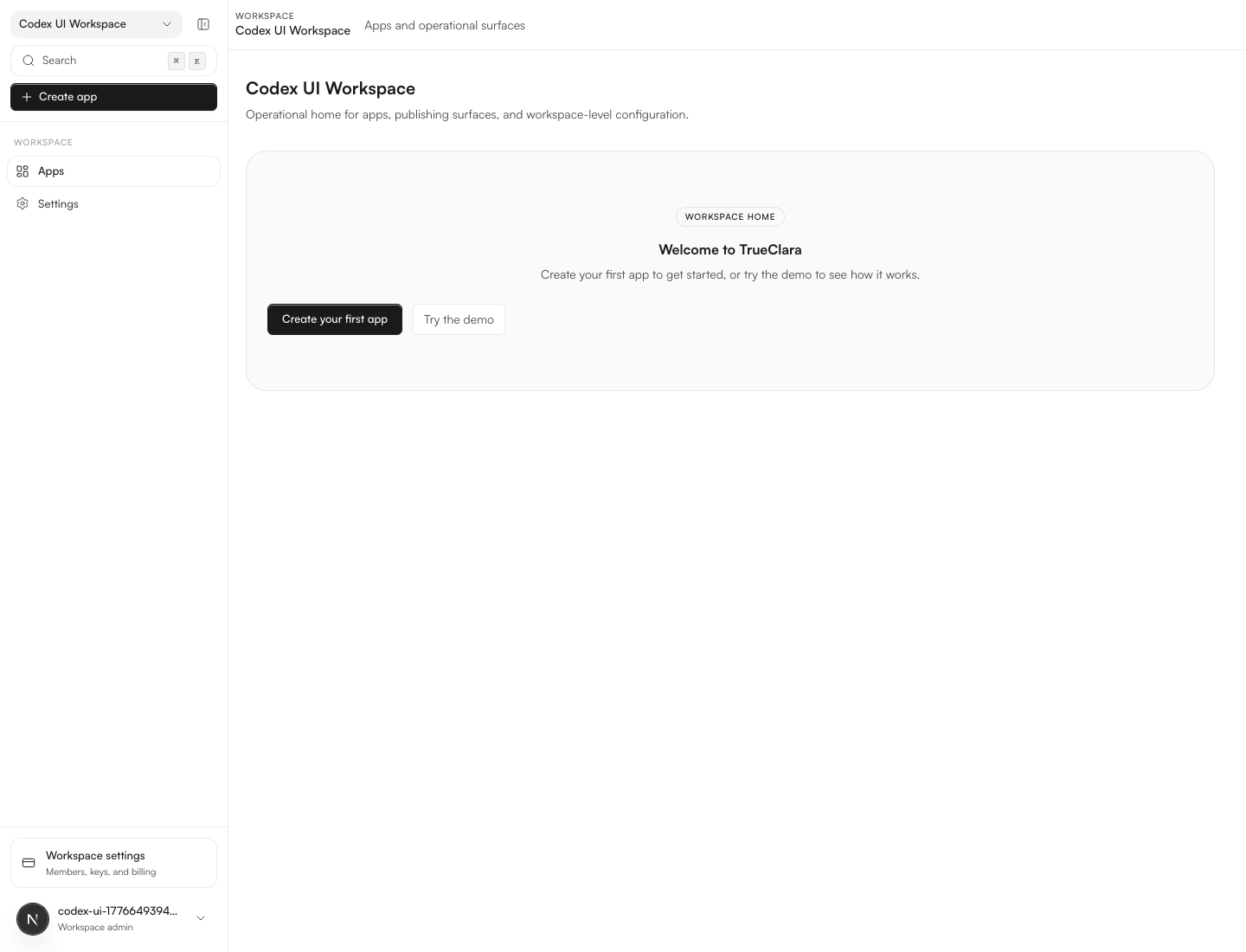
Start with one real workspace
The fastest rollout is not "connect everything." It is one production-shaped workspace with enough route coverage to show how decisions, Rollouts, and observations stay attached.
Add your first sources
Most teams begin with:
- PostHog for route and event context
- Stripe for revenue and customer value signals
- The SDK for route-aware flags and Rollouts in the app itself
Once those inputs are present, the graph stops behaving like a setup checklist and starts behaving like an operating surface.
Read the graph before you edit it
The graph is not just a map of URLs. It is where you can see:
- which sections of the product are active
- where rollouts and bets bind to real traffic
- what Clara is reacting to
- which routes still need cleanup or ownership
What a healthy first week looks like
During the first week, most teams should be able to:
- See the live route structure without exporting data elsewhere.
- Confirm that the right-panel context changes as they move across routes.
- Create one bet that predicts a measurable outcome.
- Tie one rollout to that bet so causality stays intact.